
A place to build
your next skill.





Nine practical skills.One place to begin.
SKILL CATEGORIES
- 01Video Editing
- 02English Speaking
- 03AI Courses
- 04Social Media
- 05Digital Marketing
- 06Graphic Designing
- 07Presentation
- 08Typing Mastery
- 09Share Market
Clear lessons and practical projects help beginners turn interest into useful, confident ability.
START LEARNING02Trending
OPEN FOR ENROLMENT
WHAT PEOPLE ARE LEARNING NOW.
KNOWLEDGE IN YOUR HANDLEARN FROMYOUR PHONE.
Lessons that move with you.
TOOLS YOU'LL WORK IN
- MetaAds that reach people
- GoogleSearch, analytics, docs
- PhotoshopRetouch and compose
- CanvaBrand kits, fast layouts
- CapCutCut and caption on mobile

SKILLS OUT BUILD FORYOUR FUTURE.
Work that moves you forward.


FROM YOUR FIRSTCUT
PROGRESS01—04
TO YOUR FIRSTCOMPLETEVIDEO.
NO STUDIO.JUST START.
Learn CapCut on the phone in your pocket, then carry the same instinct for cuts, pacing and sound onto a full desktop timeline. One craft, both screens — no expensive gear, no experience needed to begin.
EXPLORE VIDEO EDITINGFROM YOUR FIRSTPROMPT
PROGRESS03—04
TO WORK YOU CANACTUALLYUSE.
NO JARGON.JUST ASK.
Start with the AI apps already on your phone, then learn to prompt clearly, refine what comes back and check it before you use it — so the output is something you can hand in or send to a client. No coding, no jargon, no experience needed to begin.
EXPLORE THE AI COURSE1 / 4
01Categories
THE CATEGORIES
PICK YOUR STARTING POINT.

VideoEditing
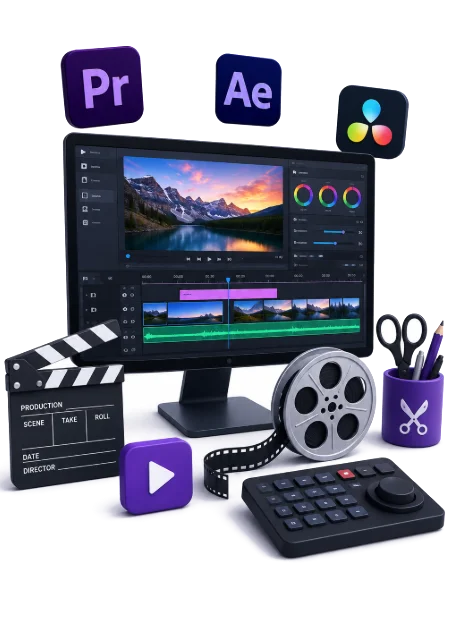
Cut, pace and polish videos for stories that hold attention.
Explore
GraphicDesigning
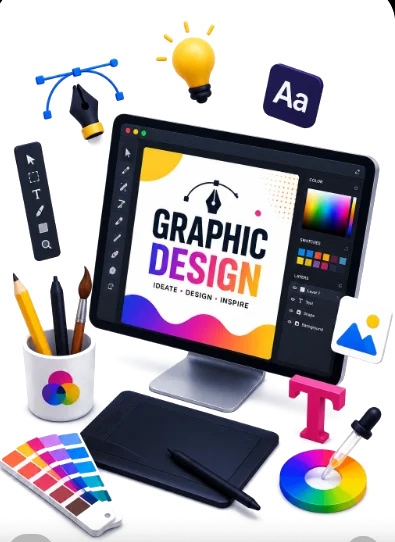
Learn layout, colour and type through practical design projects.
Explore
Presentation
Turn information into clear slides that keep a room engaged.
Explore
AICourses
Use accessible AI tools to create, research and work smarter.
Explore
EnglishSpeaking
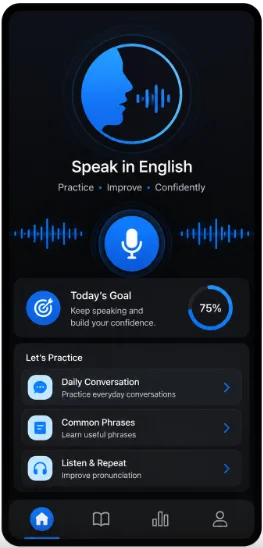
Build confidence for daily conversations and the workplace.
Explore
TypingMastery
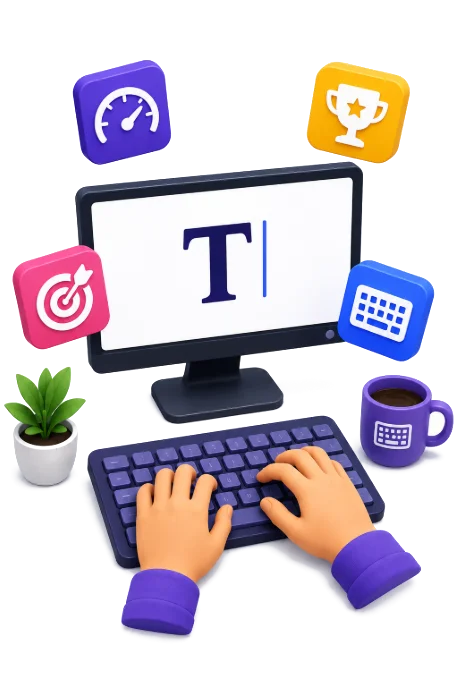
Improve keyboard accuracy and speed with focused practice.
Explore
DigitalMarketing
Turn online attention into measurable reach and action.
Explore
SocialMedia
Plan stronger content and manage every channel consistently.
Explore
ShareMarket
Understand market basics, charts and responsible risk.
Explore
Where Students
Become Future Ready.
Take Your StepTHE PEOPLE BEHIND YOUR PROGRESSOUR FACULTY
Learn the skills.
Meet the experts.
Video editing, spoken English and AI.
Get to know the people behind the lessons.
HOW IT WORKS
FIVE STEPS FROMSCROLL TO SKILL.
- 01CHOOSEStart with what matters to you.
- 02LEARNUnderstand it one clear step at a time.
- 03PRACTICEUse it until it starts to feel natural.
- 04CREATEMake something real with it.
- 05IMPROVEReview, refine, and keep moving.